Urligram

Browser extensions

Urligram in your browser

Two extensions for Firefox and Chrome.
Install the one that matches how you want to work.

Add Urligram to your browser and save the page you are reading in one click, or keep your bookmarks bar and your lists holding the same content.
Both work with the account you already have.

Save

Saves the page you are reading into one of your lists, without taking you away from it.

  • Works on the page you have open.
  • Saves it into the list you choose, among the ones you own and the ones you can edit.
  • If the page is already saved, it renames the bookmark you have instead of making a second copy.
  • Keeps its own sign-in, separate from the website.
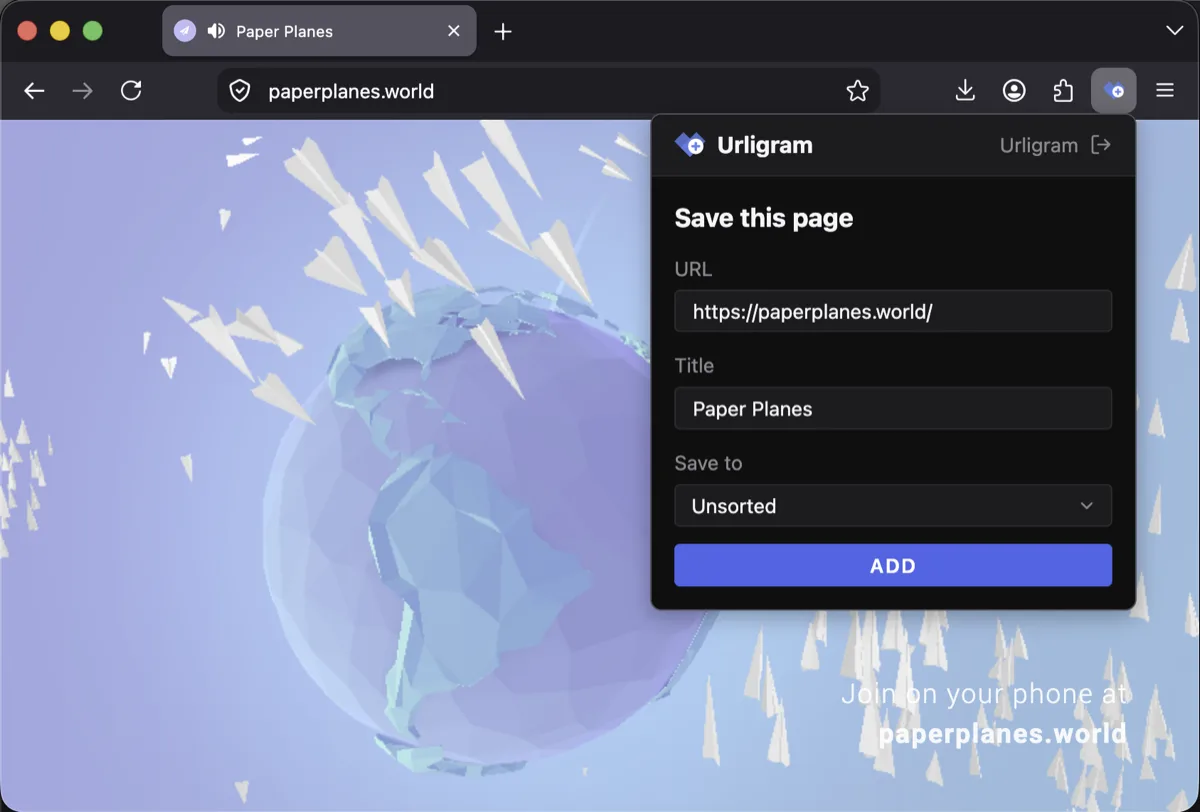
The Save popup open on a page, ready to save it into a list.

Save

Save bookmarks with a click

Click the extension icon, pick the list and save. You stay on the page you were reading, and your bookmark is already synced with your account.

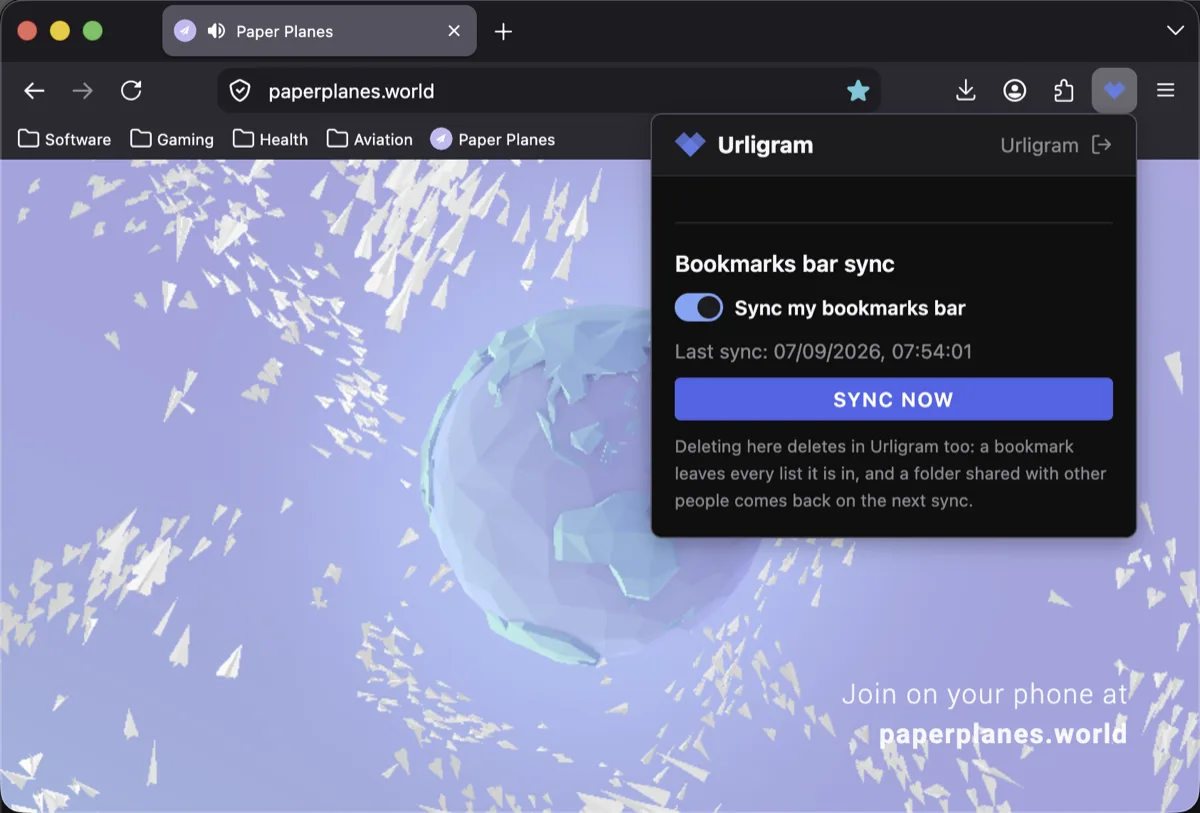
The Sync popup open, with bookmarks bar sync turned on.

Sync

Turn it on once, then forget it

Switch the bookmarks bar sync on and both sides start carrying the same content. Add a folder in the bar and it shows up in Urligram; move a bookmark in Urligram and the bar follows on the next pass.